Software · Blender extension
Cuelight.
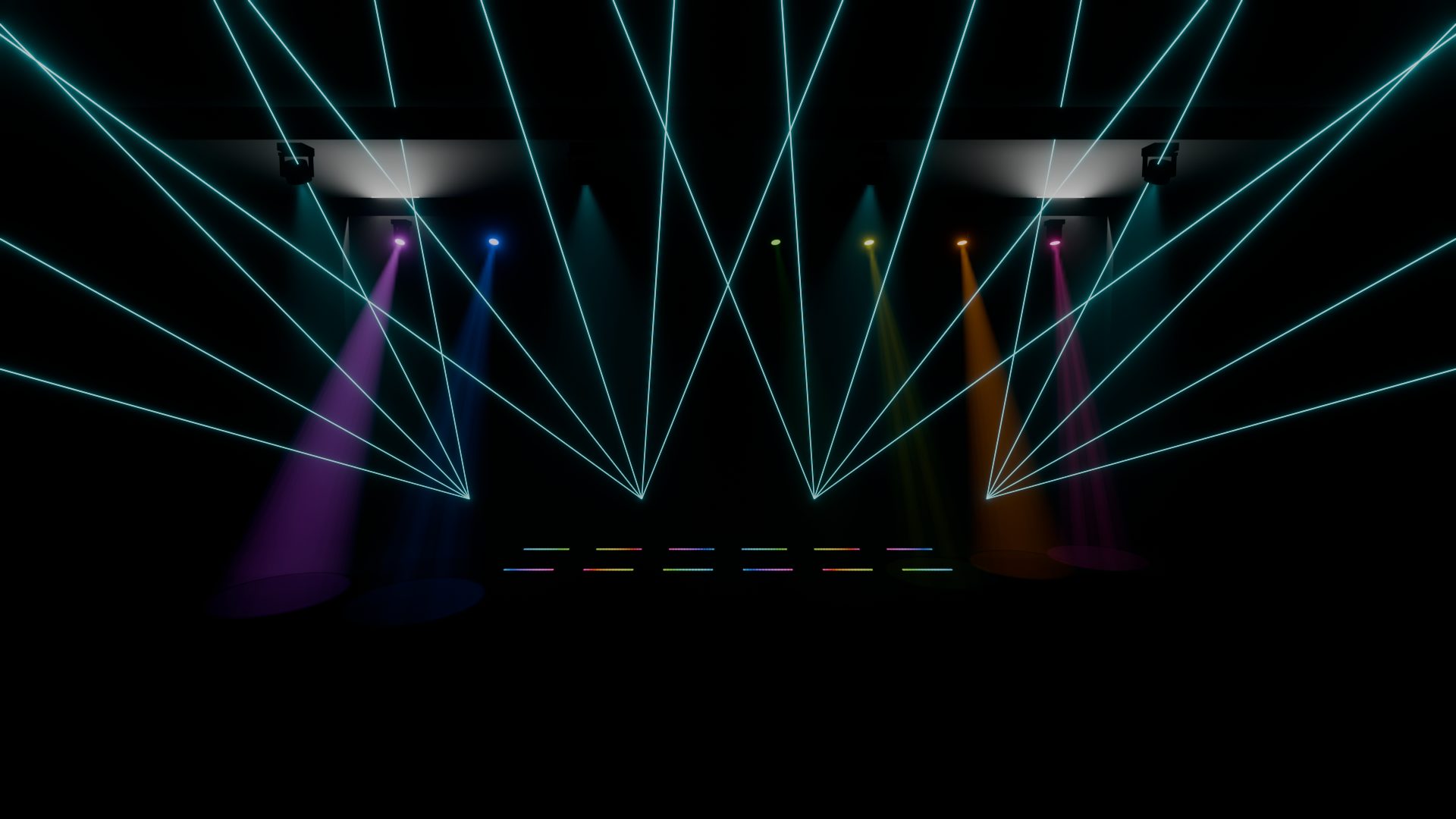
Concert light shows in Blender, cued to the music. Place a rig, group it, stack effects, lock them to the song and render. Nobody keyframes a light by hand.
Free and open source. Blender 4.5 LTS or newer, EEVEE and Cycles.
From an empty stage to a render in four moves.
- Place
A rig in a few clicks
Moving-head spots, washes, LED bars, lasers and strobes, one at a time or as a row, an arc, a ring or a grid. Add haze and the beams show.
- Group
Groups that know their order
Effects travel left to right, from the centre out, from the edges in, or at random. Every LED pixel can be its own light.
- Cue
Effects on the beat
Stack chases, waves, strobes and sweeps on any group, lock them to the tempo, and let cues choose what plays in the verse, the build and the drop.
- Render
Bake, then render anywhere
Bake the show to keyframes. Render farms and background renders play it without Cuelight installed.
Fourteen effects that stack like layers.
Each one plays on a group, from a start to an end, with fades, a speed in beats or seconds, and a spread across the fixtures. Layers blend as Replace, Add, Multiply or Max, the way a lighting console does.
- Locked to the songSpeeds in beats stay on the grid, even when an effect starts mid-bar.
- Driven by the songAny layer can follow the bass, the mids, the highs or the overall energy.
- Every pixel countsLED bars split into pixels, so a chase can run pixel by pixel.
- One function to addA new effect is a short Python function. The panel, presets and bake come with it.
It listens to the song first.
Load a song and Cuelight finds the tempo and tells you how sure it is. When it isn't, the BPM editor opens: the song's hits drawn under the beat grid, the tempos it heard, fine nudges, and a metronome to check it by ear.
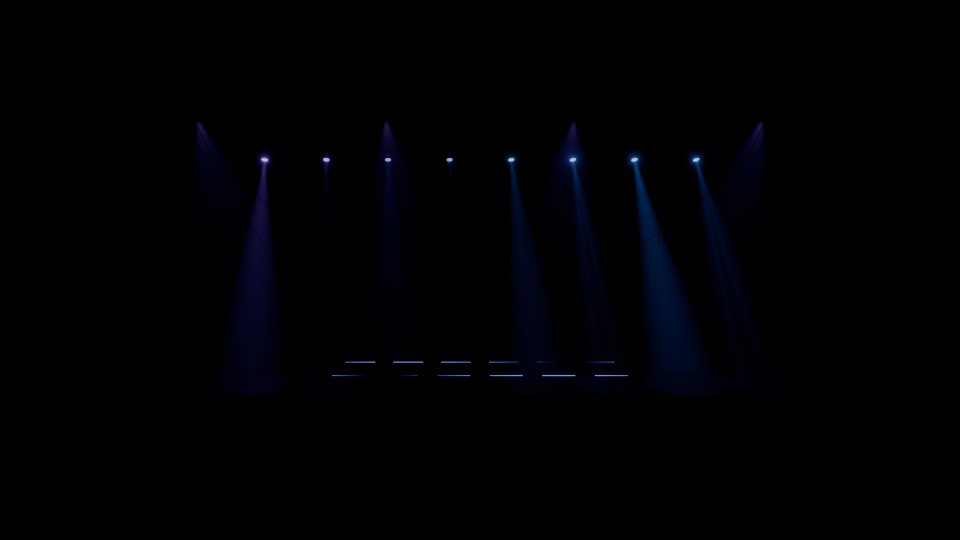
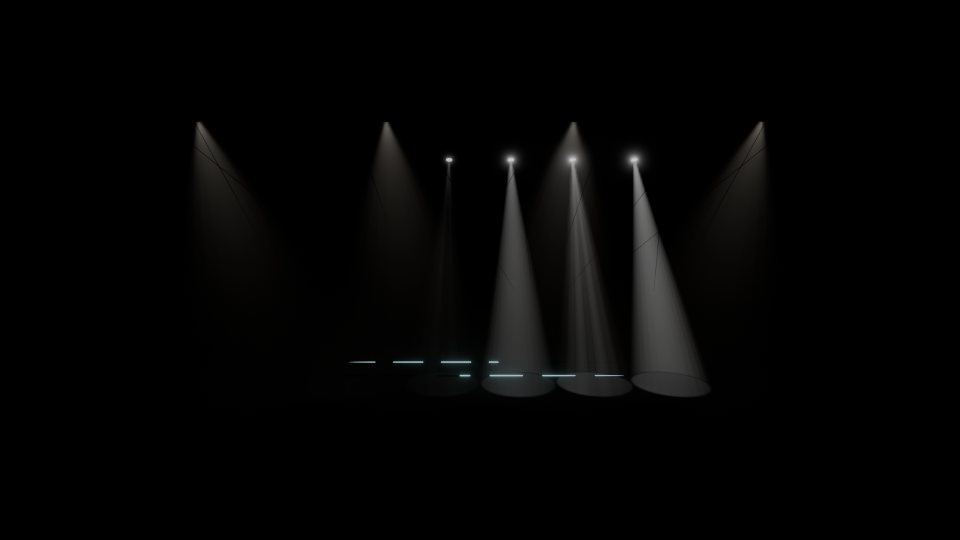
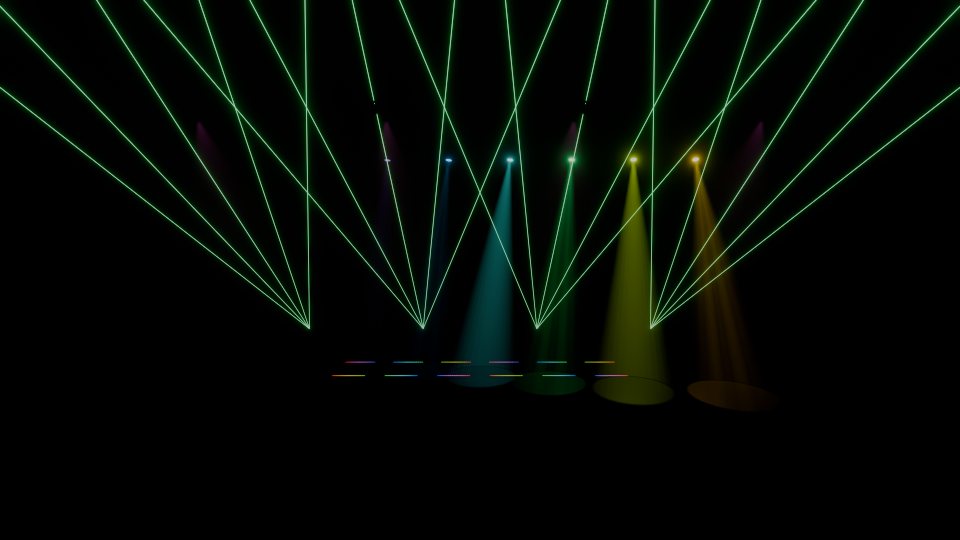
The demo splits a song into sections by how loud each bar is, then lights each one.
Cue the verse, the build and the drop.
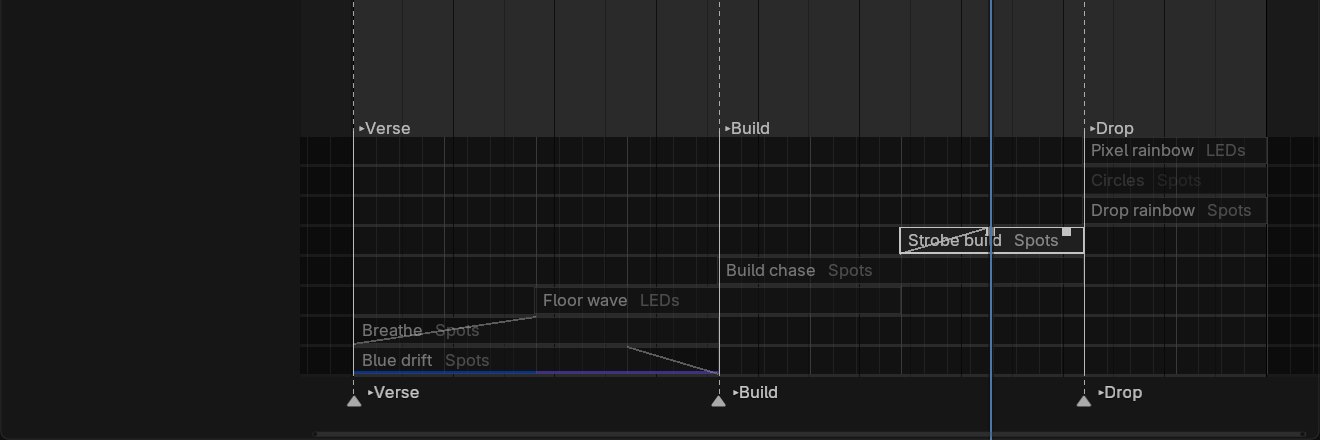
A cue is a point in the song and the layers that play from there. Cues crossfade on the beat and keep the stage dark between looks. They show on Blender's own Timeline, where every layer is a bar you can drag, trim and fade.
Renders anywhere, even without Cuelight.
Bake turns the show into ordinary keyframes and plain drivers. A render farm opens the file and renders it, with no add-on and no scripts.
- Matches what you sawBaked playback follows live preview, frame for frame.
- Small on diskBake keeps only the keys it needs. 30 seconds of a 100-light rig saves at about 3 MB.
- Eight shows built inEDM Drop to Slow Ballad Wash, fitted to whatever rig you've built.
Running in a minute.
- 01
Download
One zip, about 110 KB.
- 02
Install
Drag it into Blender 4.5 or newer.
- 03
Open
Press N in the viewport and pick the Light Show tab.
- 04
Play
Load a song, add an effect, press play.
Questions.
Which Blender does it need?
Blender 4.5 LTS or newer, on Windows, macOS or Linux. It installs like any other Blender extension.
EEVEE or Cycles?
Both. Cycles projects gobos through the haze and lets LED bars light the room. EEVEE is fast, and shows gobos as streaks in the beam.
Does the render farm need Cuelight?
No. Bake the show first and the file renders with Cuelight uninstalled and auto-run scripts off.
What music can I load?
WAV, MP3, OGG, FLAC, M4A and AIFF. The song stays linked, not copied into your file.
Can I write my own effects?
Yes. An effect is one Python function with a decorator. The docs walk through one.
Is it free?
Yes. Cuelight is free and open source under the GPL.